Charcoal portrait guide / 6 minute read
How to Choose a Reference Photo for a Charcoal Portrait
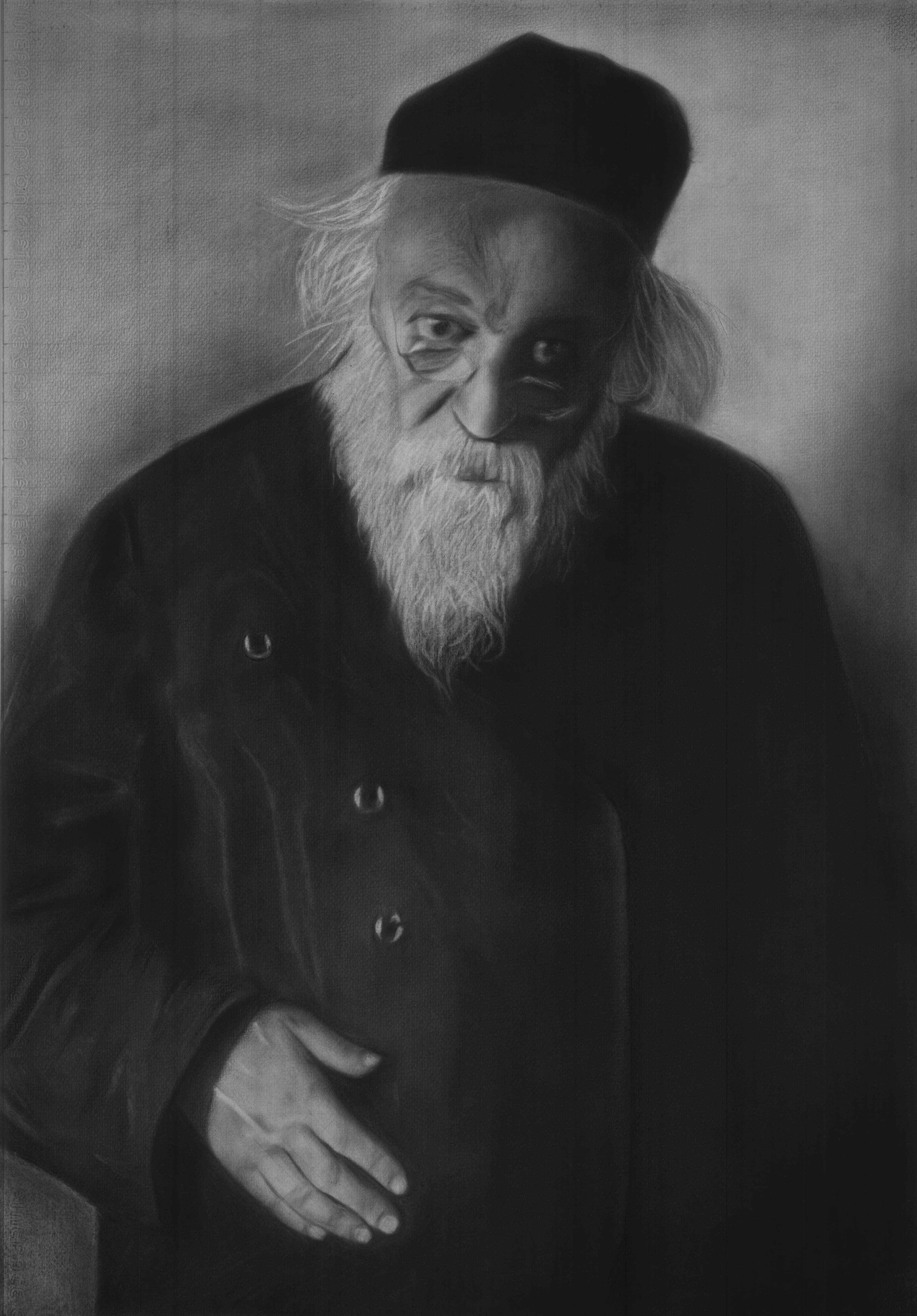
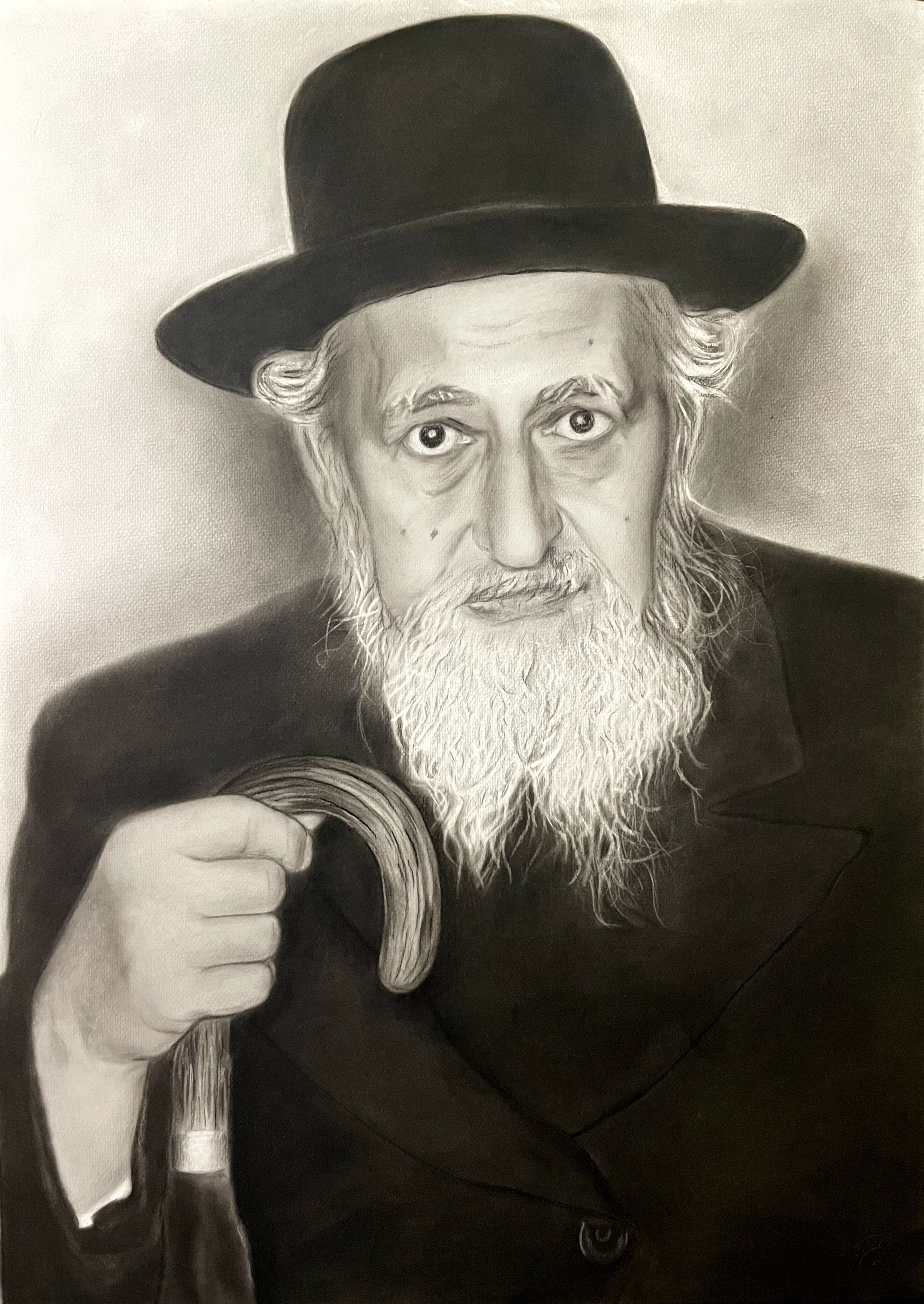
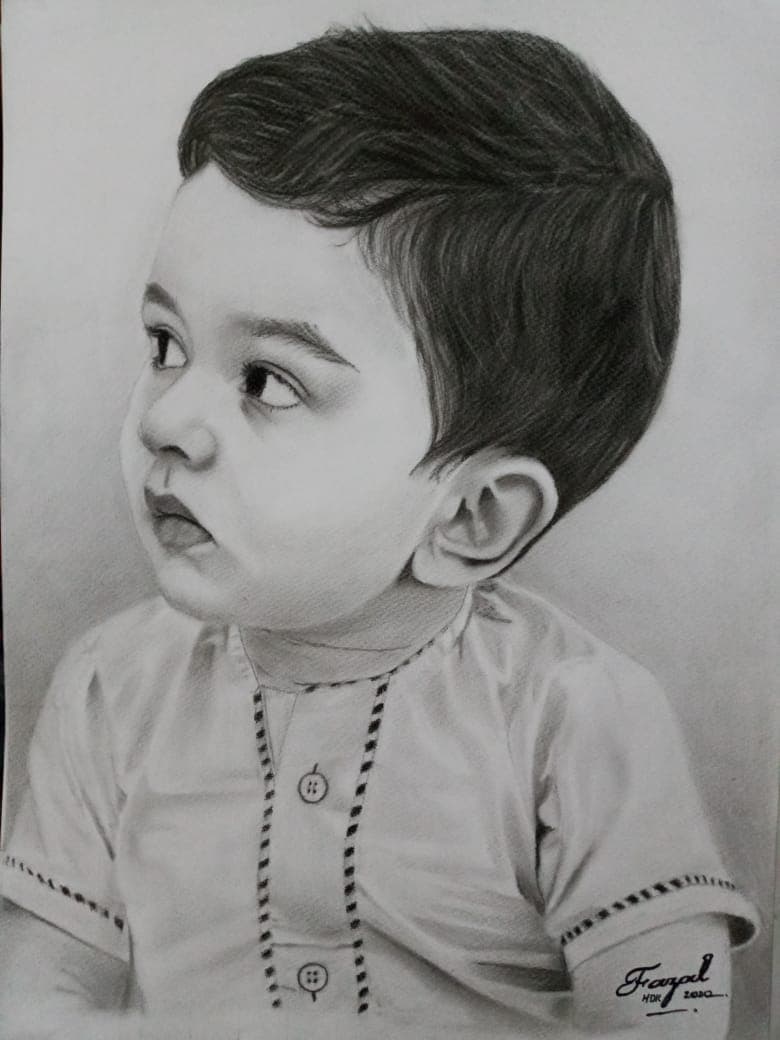
The reference photo is the foundation of a commissioned portrait. Charcoal can preserve a quiet expression, the softness of a child's face, an elder's character, or the connection between two people—but only when the image contains enough honest information to draw from.
Section 01
Start with a clear, unfiltered photograph
Choose a photo in which the eyes, nose, mouth, face shape, and important hair details are easy to see. A large file is useful, but clarity matters more than a high number written beside the file size. A sharp phone photograph in good light can be a stronger reference than a large but blurred image.
Avoid Snapchat, Instagram, beauty, or portrait filters. Filters can enlarge eyes, smooth away age lines, reshape the face, and change skin texture. Those changes remove the features that make a commissioned portrait feel recognizably personal.
Section 02
Look for light that explains the face
Good light shows the structure of the face without hiding an eye or washing out the skin. Soft daylight from the front or slightly to one side often gives an artist enough highlight, midtone, and shadow information to build convincing form in charcoal.
Very dark night photographs, strong backlighting, direct overhead light, and blown-out flash can hide important features. If the portrait is a memorial and no better photo exists, share several photographs of the same person. One image may guide the pose while another helps explain the eyes, hair, or facial structure.
Section 03
Choose expression before perfect composition
The most valuable reference is often the image that feels most like the person. A natural gaze, familiar smile, thoughtful profile, or meaningful hand gesture can carry more emotional truth than a formal pose.
Cropping and background decisions can be discussed during the commission. The expression and visible facial information are harder to replace. For a gift, ask whether the recipient will recognize the person's personality in the chosen moment—not only whether the photo looks polished.
Section 04
Check every subject in a couple or family photo
For a portrait with more than one person, each face needs enough size, focus, and compatible lighting. A wide group photograph may look clear on a phone while providing very little facial detail when enlarged.
Separate reference photos may be possible, but perspective and light should still feel believable together. Share all candidate images before deciding. The artist can identify which combination is most suitable and explain when a different photograph will produce a stronger likeness.
Section 05
Send the original file when possible
Messaging apps can compress images. Send the original camera file, a document attachment, or the highest-quality version available whenever possible. Do not repeatedly screenshot, crop, and re-save the same image, because every step can remove detail.
Along with the photo, explain the purpose of the portrait, preferred A3 or A2 size, deadline, number of subjects, and delivery city. These details help Fazal assess the reference and provide an accurate quote before the drawing begins.
Quick checklist
Before you send your inquiry.
- The face is in focus and large enough to inspect.
- Both eyes and the main facial features are visible unless the pose intentionally uses profile.
- Lighting shows natural highlights, midtones, and shadows.
- No social-media or beauty filter changes the face.
- The expression feels true to the person.
- The original or highest-quality file is available.
- Every subject is clear in a couple or family portrait.